CTF: TJCTF, Thomas Jefferson High School CTF
Challenge: forensics/check-the-fine-print
Category: Forensics
The Challenge
what? the details matter? but why can't i see them...
We're given a single file: logo.png, the TJCTF logo.

Recon
First thing I always do with a forensics file: run strings on it.
001.png
IHDR
IDATx
IEND
002.png
IHDR
...
248.png
...
001.pngPK
002.pngPK
...
Multiple PNG filenames, and PK magic bytes at the end - that's a ZIP archive appended after the image data. The IDATx showing up as one string is just the zlib magic byte 0x78 sitting immediately after the IDAT marker in raw bytes, nothing special.
I confirmed with zsteg:
[?] 50741 bytes of extra data after image end (IEND), offset = 0x37c4
extradata:0  .. file: Zip archive data, at least v2.0 to extract
The ZIP starts at byte offset 0x37c4 (14276). Pulled it out:
dd if=logo.png bs=1 skip=14276 of=extracted.zip
unzip extracted.zip -d extracted/
248 PNG files. 001.png through 248.png.
The Red Herring
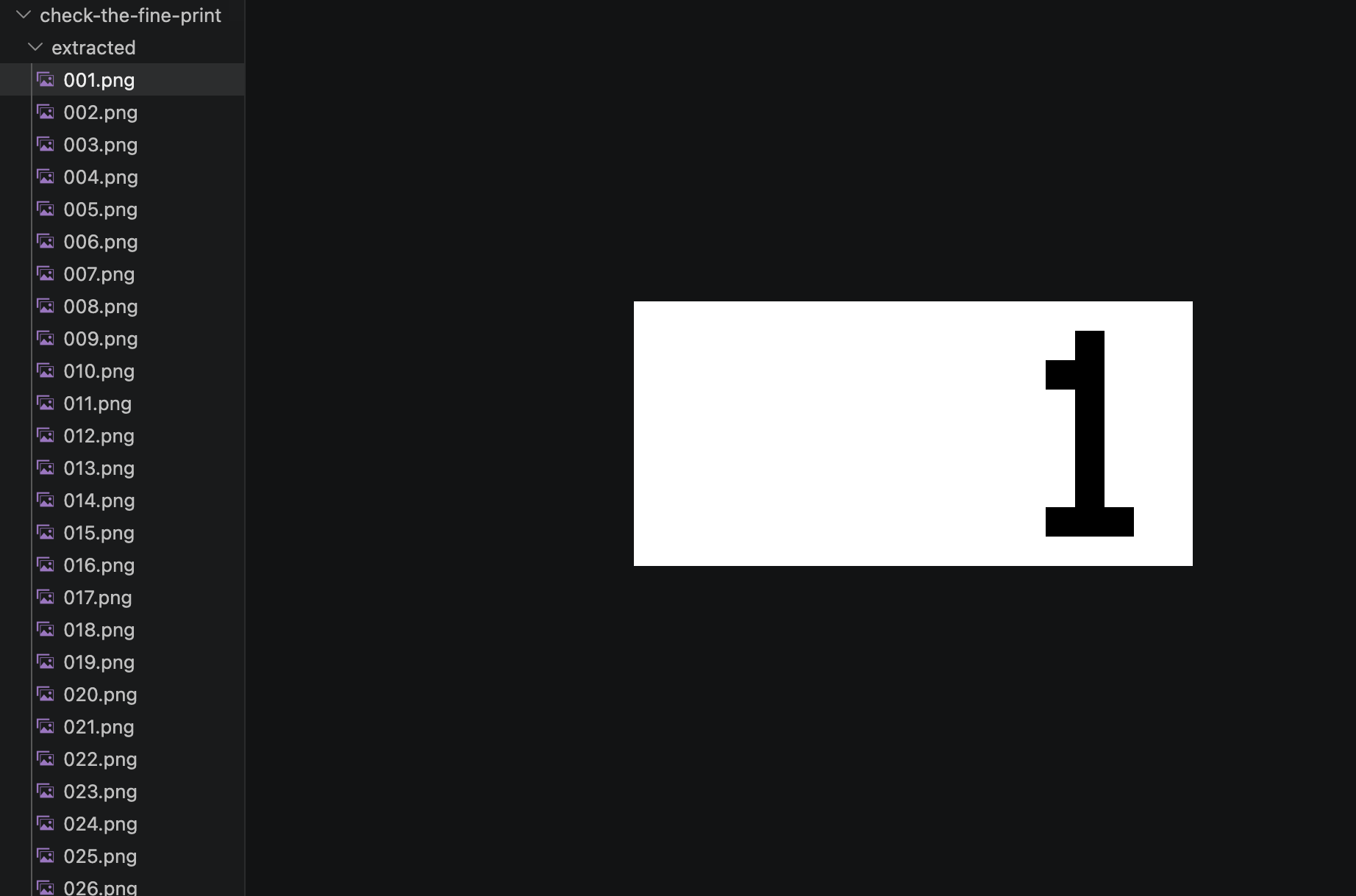
Each image is a tiny 19×9 pixel RGB frame showing its own number, 1 through 248, as black text on a white background. No hidden chunks, nothing suspicious in the pixel data. I spent a bit of time staring at pixel values before stepping back.
Chunk structure was clean: IHDR → IDAT → IEND. That's it.
But then I compared the raw IHDR bytes across files:
| File | IHDR byte 11 (hex) |
|---|---|
| 001.png | 00 |
| 002.png | 01 |
| 003.png | 01 |
That byte is the compression method field. Per the PNG spec it must always be 0x00 (deflate is the only defined compression method and has been since PNG was standardized). Here it was either 0x00 or 0x01.
One bit per image. 248 images. 248 bits = 31 bytes of ASCII.
Decoding
The compression method byte sits at file offset 26:
| Field | Size | Offset |
|---|---|---|
| PNG signature | 8 bytes | 0 |
| IHDR chunk length | 4 bytes | 8 |
| IHDR chunk type | 4 bytes | 12 |
| Width | 4 bytes | 16 |
| Height | 4 bytes | 20 |
| Bit depth | 1 byte | 24 |
| Color type | 1 byte | 25 |
| Compression method | 1 byte | 26 ← target |
import glob

files = sorted(glob.glob('[0-9]*.png'))
bits = []
for f in files:
    with open(f, 'rb') as fh:
        data = fh.read(27)
        bits.append(data[26])  # compression_method byte (0 or 1)

flag = ''.join(
    chr(int(''.join(str(b) for b in bits[i:i+8]), 2))
    for i in range(0, len(bits), 8)
)
print(flag)
tjctf{wow_you_actually_read_it}
I actually did read it.
The Other Way to See It
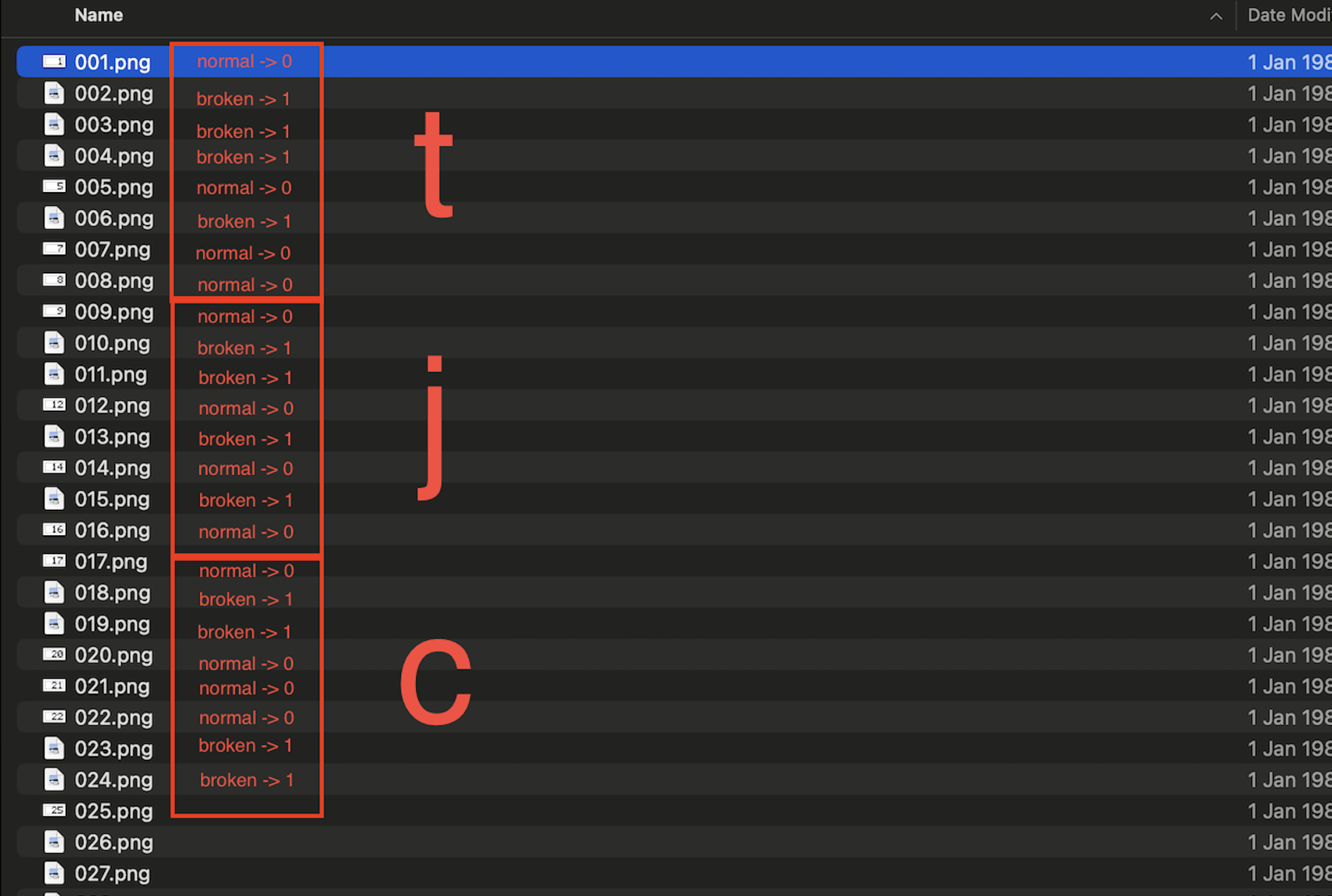
After submitting, I realized there was a much more intuitive way to spot the encoding without touching a hex editor.
Some of the 248 images open fine in any viewer. Others are broken: your OS thumbnail fails, your browser shows a broken image icon, Preview refuses to load them.
If you just sort the files and mark each one as openable (0) or broken (1), you get the exact same bit sequence. No scripts, no offset math. Just a file manager and pattern recognition.
The challenge name starts making a lot more sense when you look at it this way. The detail you couldn't see wasn't hidden in the pixels or in a metadata chunk. It was in which files your computer refused to open.